A bounded look
The built-in camera turns on only for setup, testing, or an eligible unlock attempt.
Built for macOS 15 and Apple silicon
Look up. Get back in. Face recognition happens locally, and the camera rests between unlock attempts.
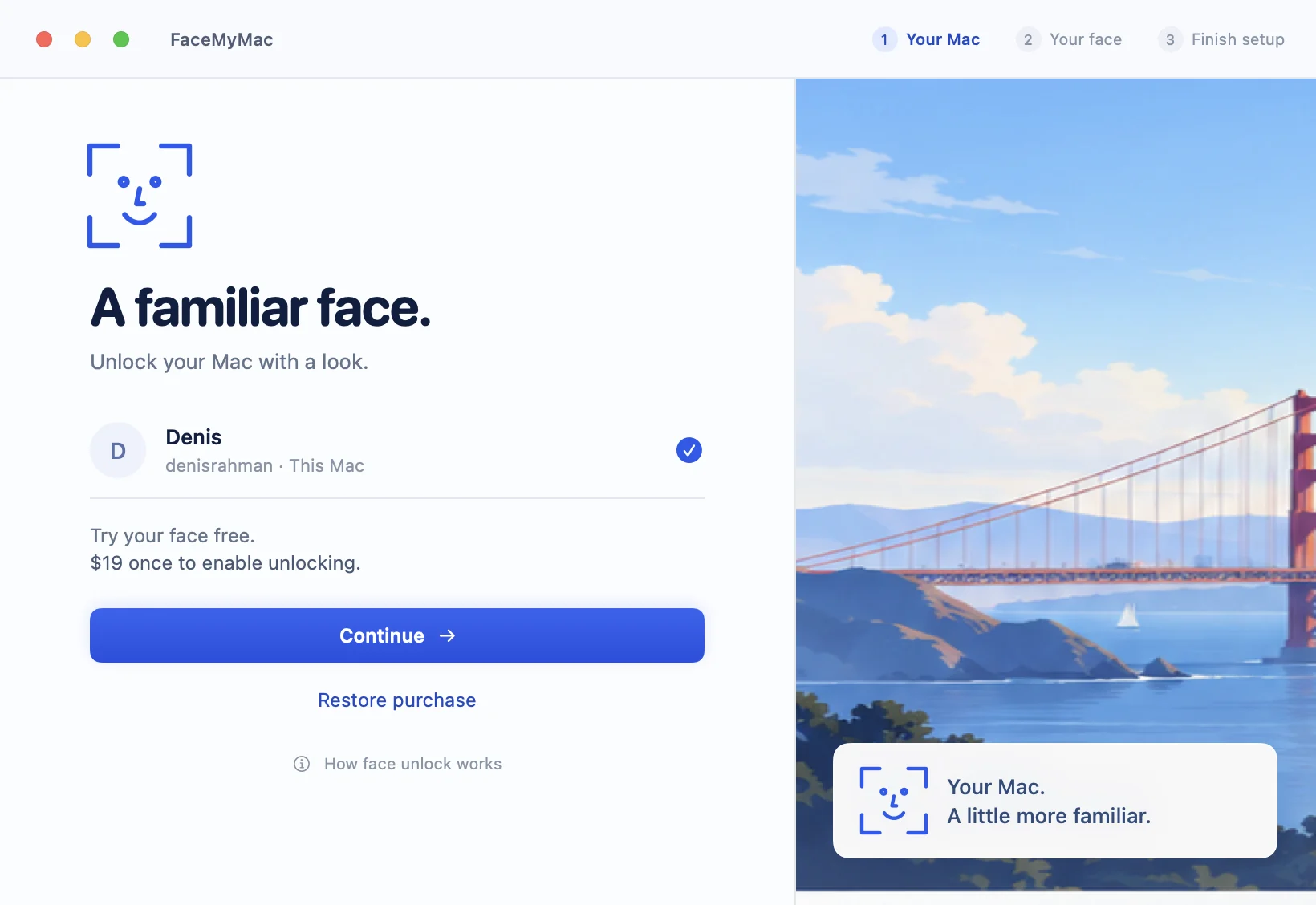
Private by design. Right on your Mac.
No cloud biometric account. No camera roll. No image upload pipeline.
The built-in camera turns on only for setup, testing, or an eligible unlock attempt.
Face templates are encrypted locally. Raw camera frames are released after use.
Face matching is one condition. Session, authorization, license and target checks must also pass.
FaceMyMac is a convenience layer. It enters a locally stored password after recognition; it is not Apple Face ID and cannot unlock FileVault before macOS starts.
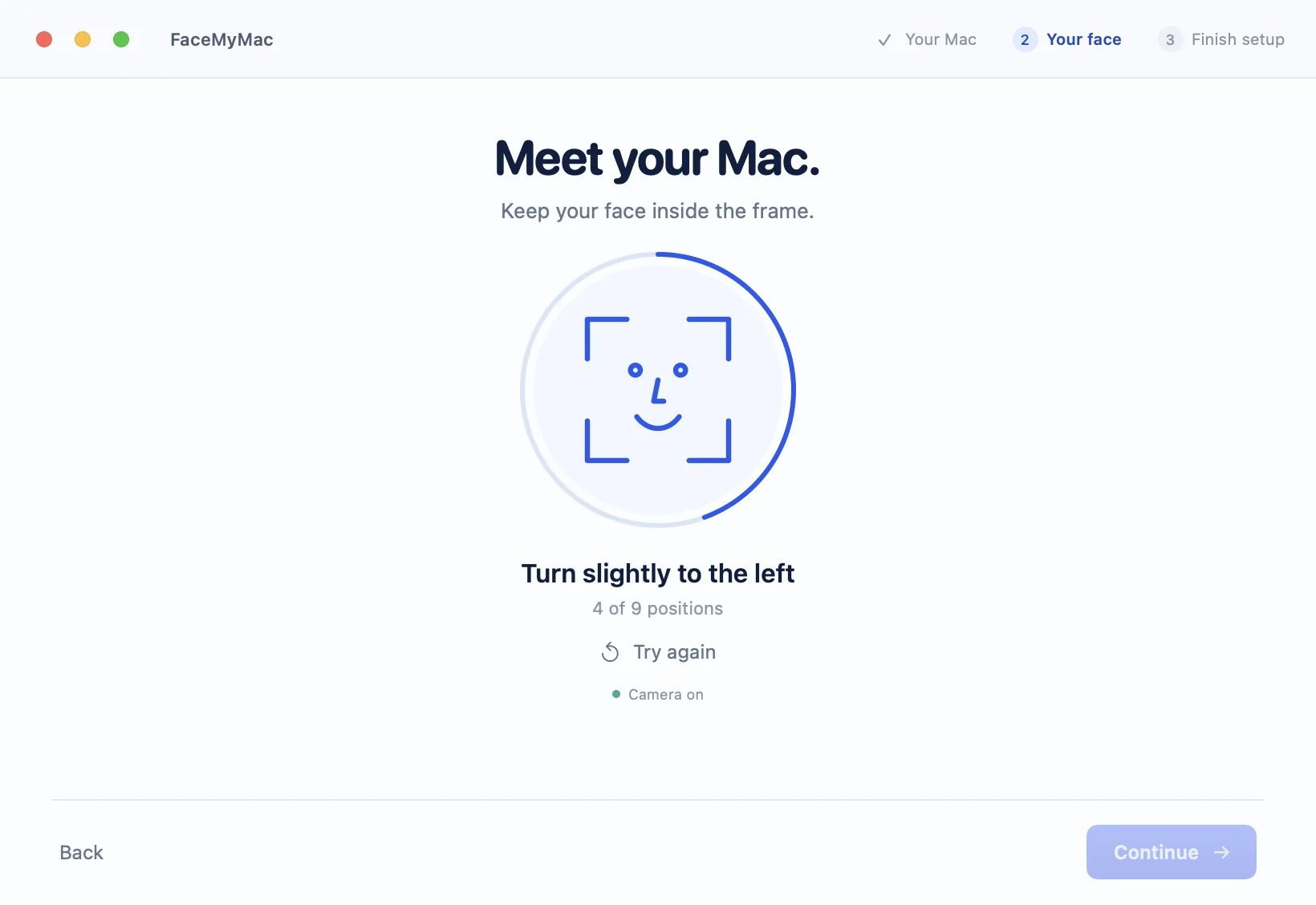
The free setup flow proves that this Mac can recognize you before purchase or password storage.
Guided samples reflect accepted face positions, not an animation timer.
The quiet details
System typography, keyboard actions, native windows and familiar controls keep the experience at home on macOS.
A local vault session has an absolute lifetime. Quitting, logging out, switching users or revoking access ends it.
The recognition model can remain ready without continuous camera capture or continuous inference.
One planned purchase for the current major version. No subscription.
Planned standard price: $29
Pricing and checkout remain unavailable until the signed release and merchant configuration are verified.
Ask the edge Worker for the current release state. The answer is explicit about what is proven and what is still pending.
No. It is an independent convenience app that performs local face recognition and enters a stored Mac password only after multiple eligibility checks.
Raw camera frames are kept in memory and released after use. Enrolled templates are encrypted in local Application Support storage. Billing and licensing use an online service but do not receive face data.
You sign in normally first. FaceMyMac cannot unlock FileVault or authenticate before macOS starts.